Features
-
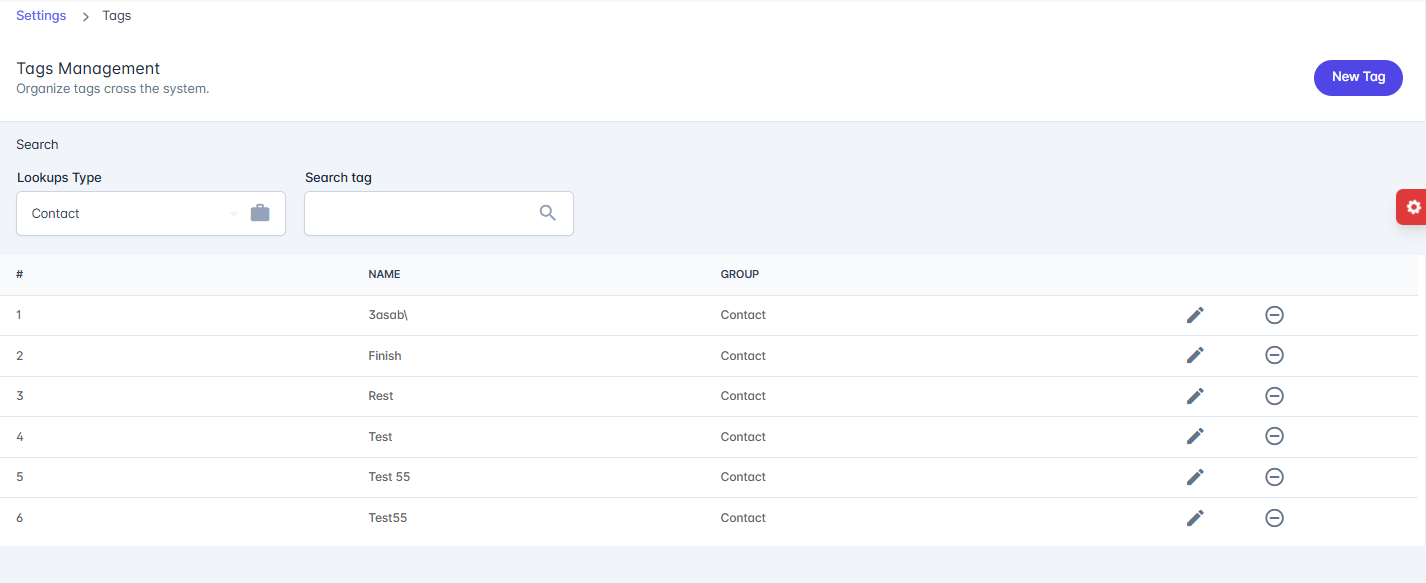
Search:
- Lookup Type – Selects the category/group under which tags are organized (e.g., Contact).
- Search Tag – Search for a specific tag by name.
-
Tags List: Displays all tags with:
- # – Serial number.
- Name – The tag name.
- Group – The category the tag belongs to.
-
Actions:
- Edit (✎) – Modify a tag’s details.
-
Delete (⊖) – Remove a tag from the system.
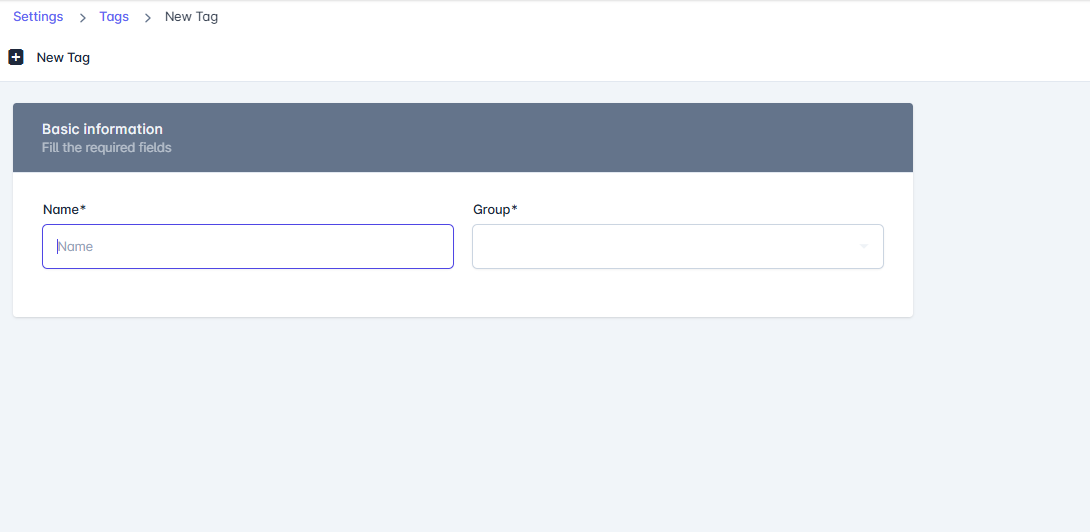
- New Tag: Add a new tag under a specific group. The New Tag page allows administrators to create new tags that can be used across the system for organizing and categorizing records.
Fields
- Name* – The name of the tag (required).
- Group* – The group or category under which the tag will be classified (required).
Actions
- Save – Creates and saves the new tag.
- Done – Completes the process and returns to the tag list.