

Faster follow-ups from a condition
NewAdd a follow-up directly from the condition it belongs to. The follow-up opens with the condition already linked, so you only fill in the date, purpose and notes.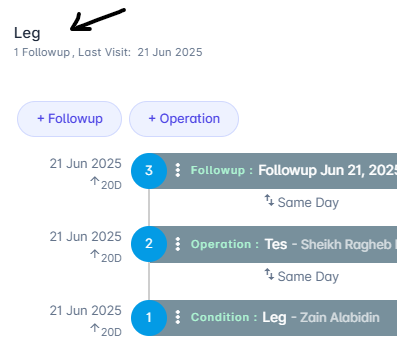
Select + Follow-Up on the condition to start a linked follow-up
More screenshots
More screenshots
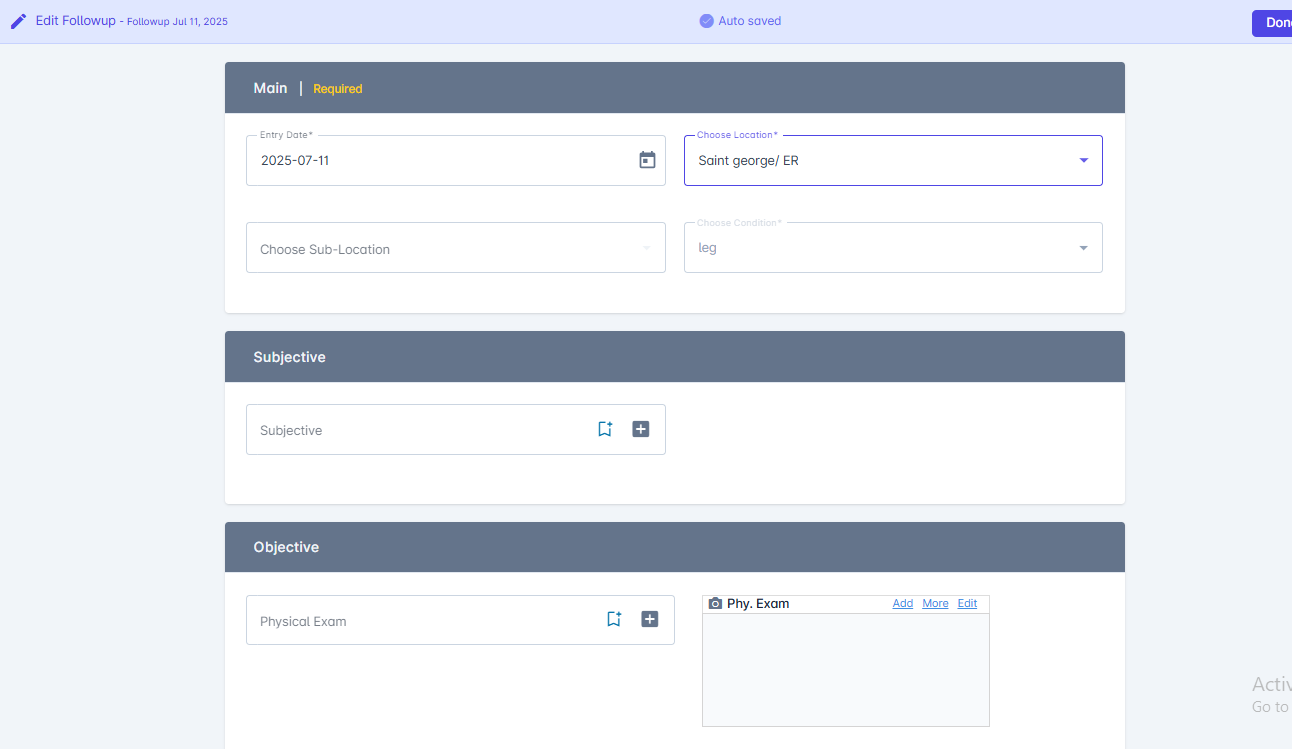
Enter the follow-up date, purpose and notes
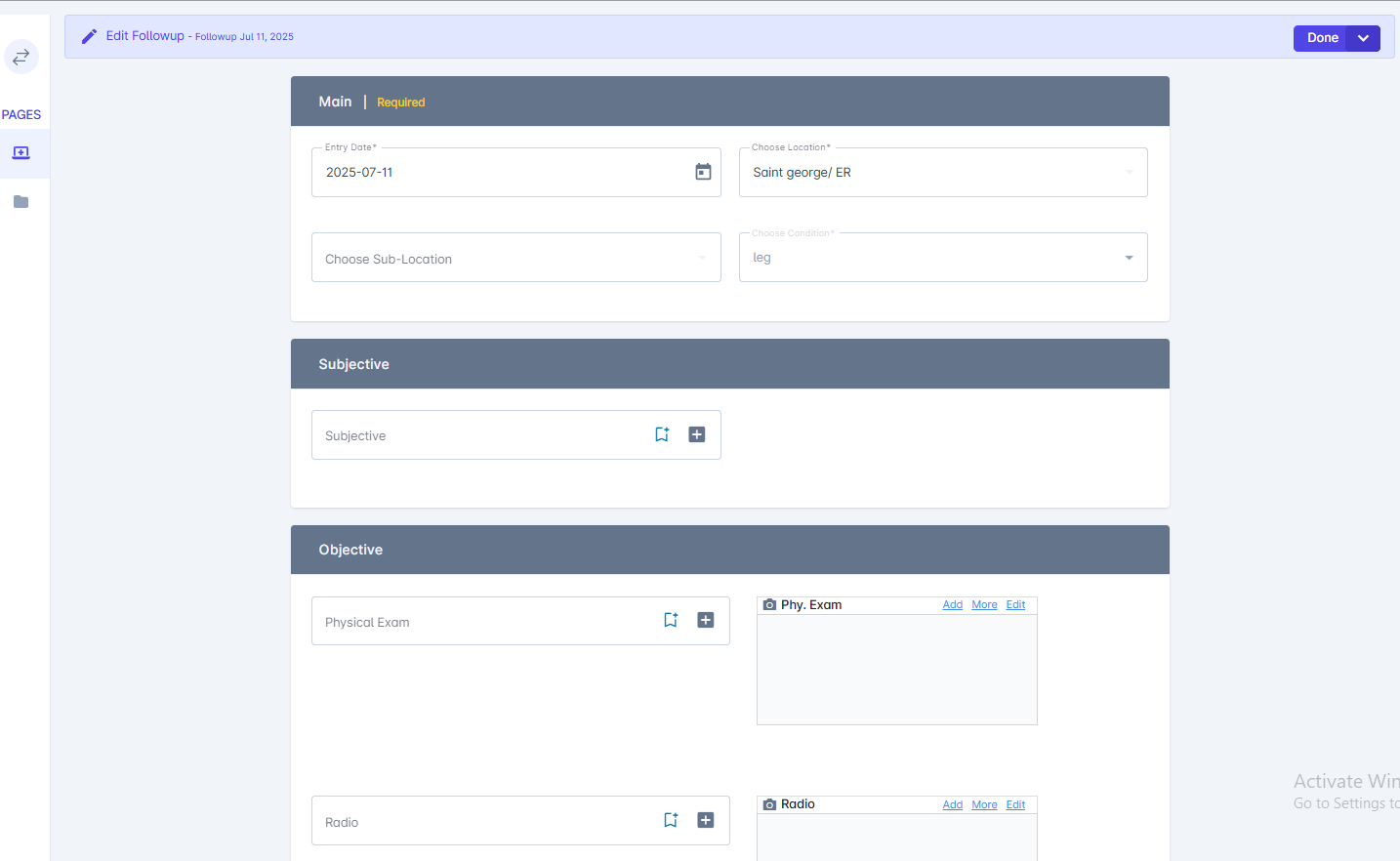
Each follow-up keeps its SOAP sections, medication and attachments
Add or edit a follow-up
Step-by-step guide
Improved patient search
ImprovedSearch by name, phone number or patient ID from anywhere in MedRay. Results show the patient ID so you can tell similar names apart.Fixes
- Schedule: Work hours now respect locations in different time zones.
- Contacts: Phone numbers keep the leading ”+” of the country code.
- Settings: Renamed lookups update everywhere they are used.
Appointment reminders
NewMedRay sends patients a reminder before their appointment. Choose how early the reminder goes out in your schedule settings.Schedule settings
Set reminder timing
Merging patients keeps every attachment
ImprovedWhen you merge duplicate patient records, attachments from both records move to the kept record with their original upload dates.Merge patients
How merging works
Faster ICD-10 search
ImprovedSearch diagnoses by code, name or common abbreviation, such as “htn”. Recently used codes show first.ICD-10 codes
Using ICD-10 codes
Fixes
- Conditions: Follow-ups added to a closed condition now appear on the timeline.
- Operations: Operation dates no longer shift by one day in some time zones.