> ## Documentation Index
> Fetch the complete documentation index at: https://docs.medicare-group.net/llms.txt
> Use this file to discover all available pages before exploring further.
# Log in
> Access to MedRay is restricted to authorized users through secure authentication. Upon successful login, users are granted access based on their designated roles, ensuring proper management of patient information and clinical workflows within the system.
### Step 1: Visit the login page at your clinic’s website
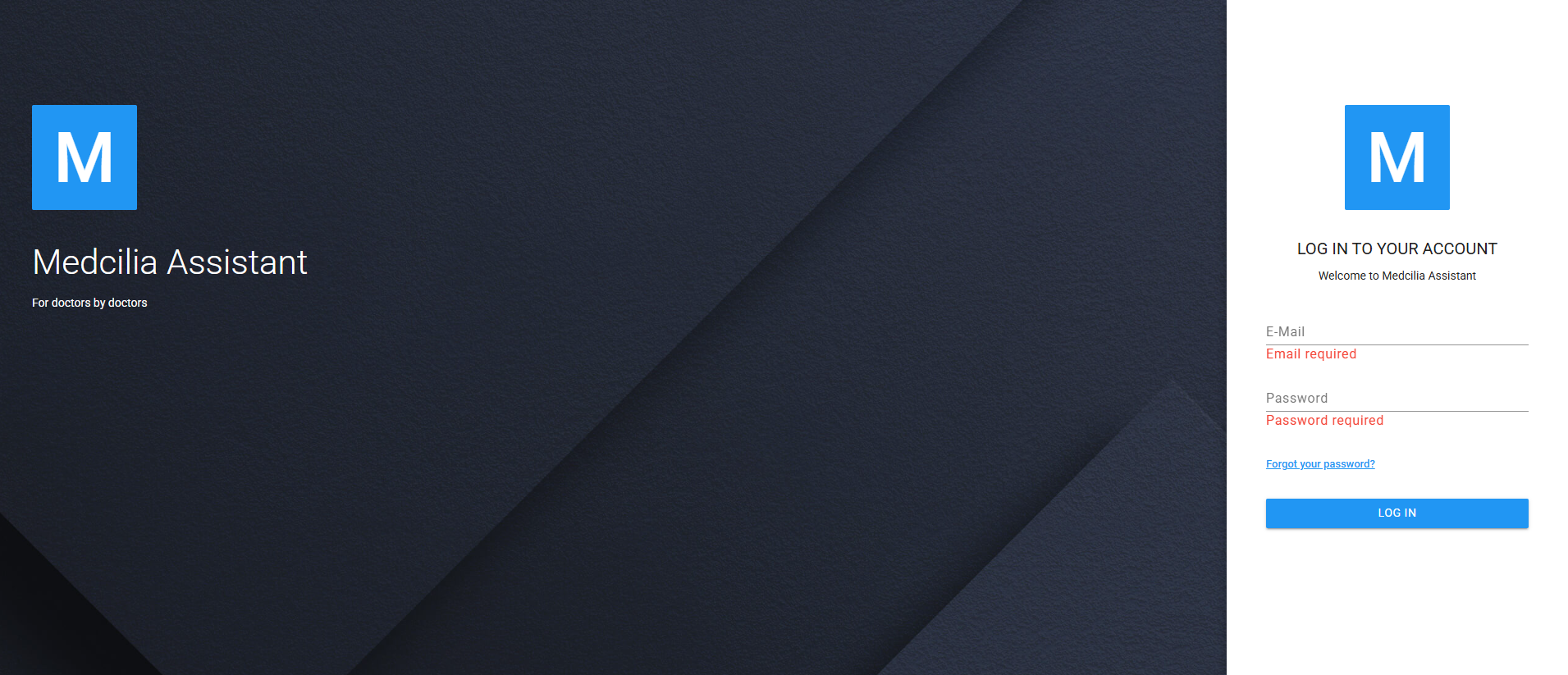 2. Enter your username and password
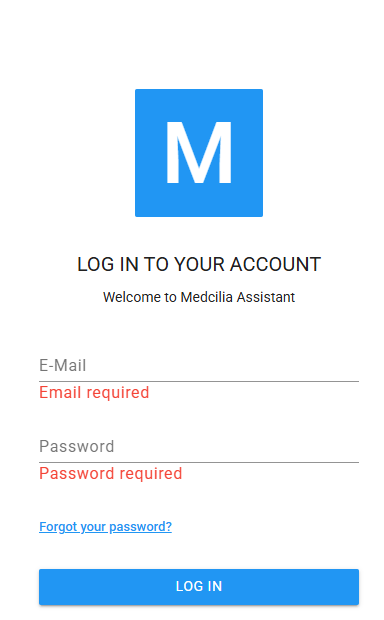 If you don’t have login credentials, contact your system administrator.