> ## Documentation Index
> Fetch the complete documentation index at: https://docs.medicare-group.net/llms.txt
> Use this file to discover all available pages before exploring further.
# Contact
> The Contact module in MedRay is used to manage and store information about people or organizations connected to the patient or clinic. This may include family members, emergency contacts,...... Each contact entry includes essential details such as name, relationship, phone number, email, and notes. This helps ensure smooth communication and coordination across care providers and support networks.
## Overview
The **Contact** section allows users to organize and access key individuals or institutions associated with patient care. It serves as a directory for emergency contacts, family members, referring doctors, and external service providers. By maintaining updated contact information, the system supports efficient coordination and communication across the care team.
 ## Search Contact
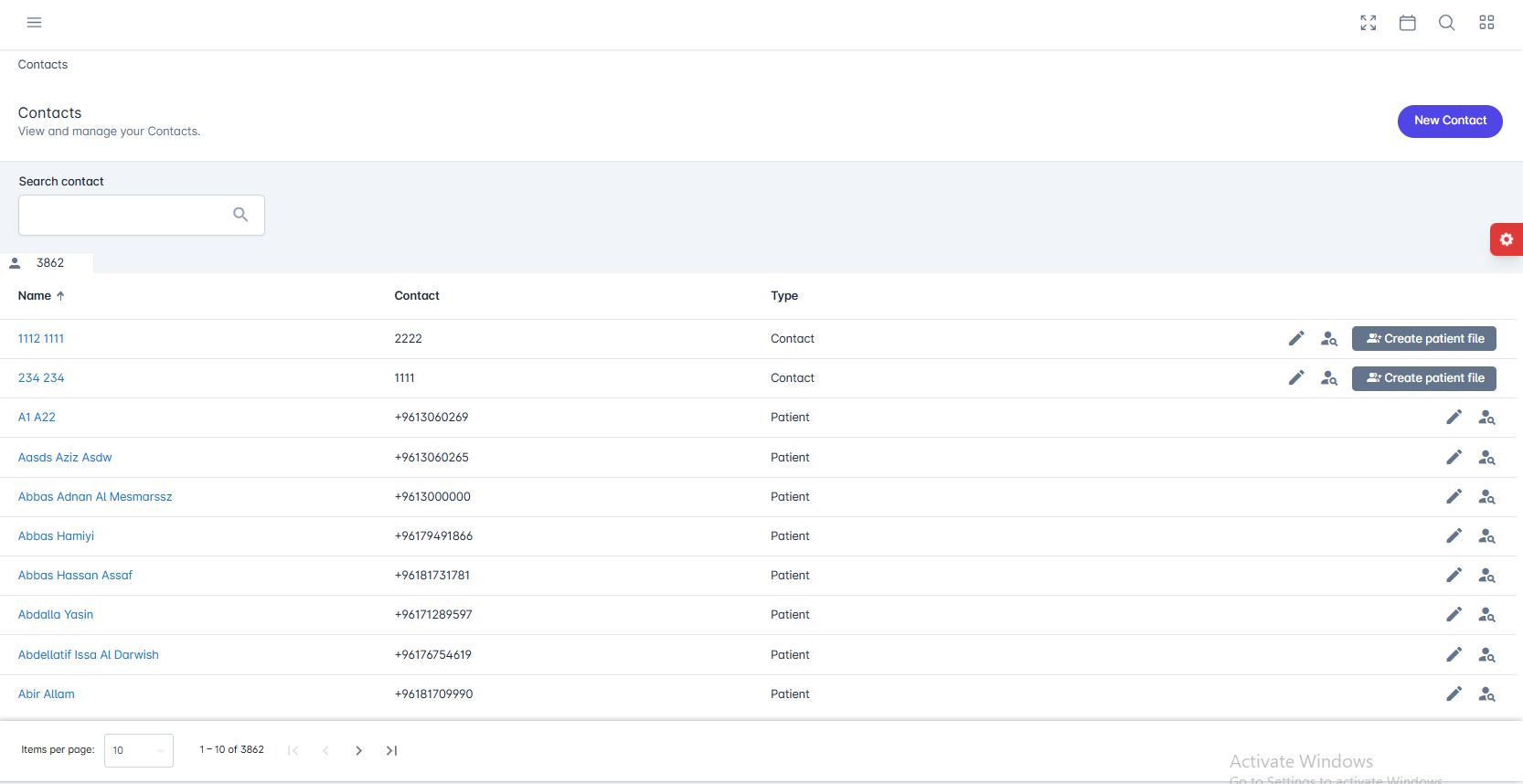
 You can search for contacts using the contact’s name or phone number.
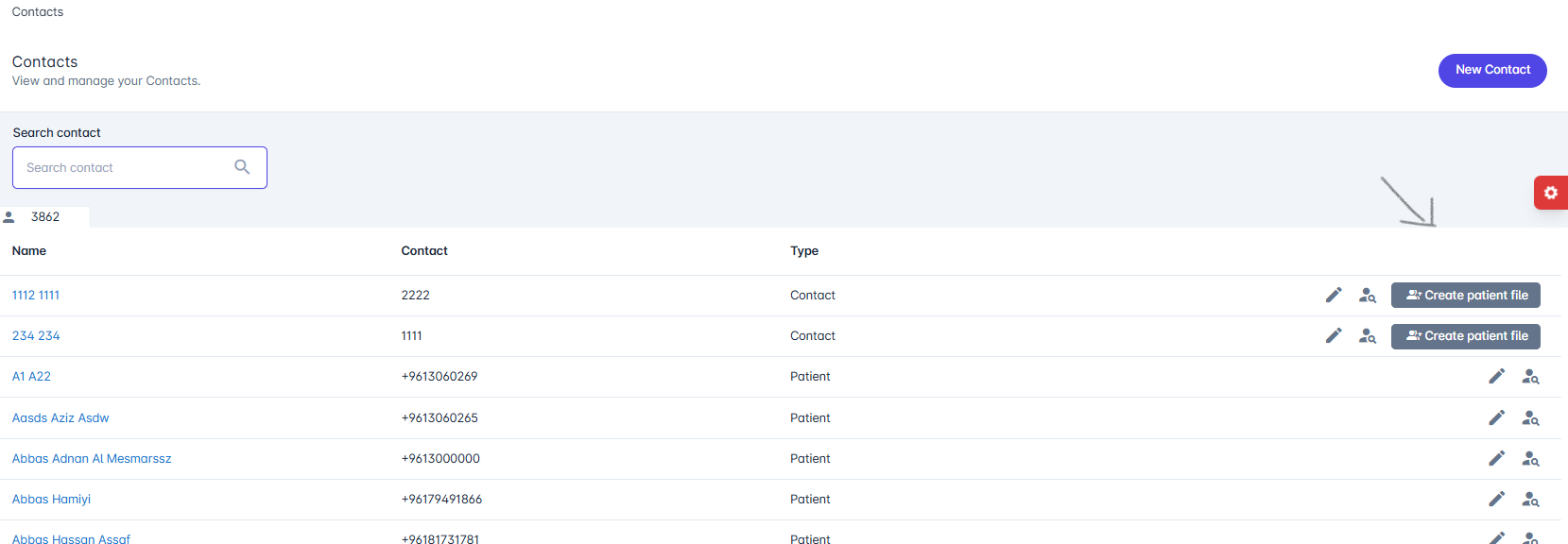
You can create a patient file directly from a contact’s profile.
You can search for contacts using the contact’s name or phone number.
You can create a patient file directly from a contact’s profile.