> ## Documentation Index
> Fetch the complete documentation index at: https://docs.medicare-group.net/llms.txt
> Use this file to discover all available pages before exploring further.
# Add Contact
> Add new contacts like labs, doctors, or partners with essential details for quick reference. Easily edit or update contact information as needed to keep records current.
## **Adding a New Contact**
* Step-by-step guide:
1. Go to the Contacts section.
2. Click **Add Contact**.
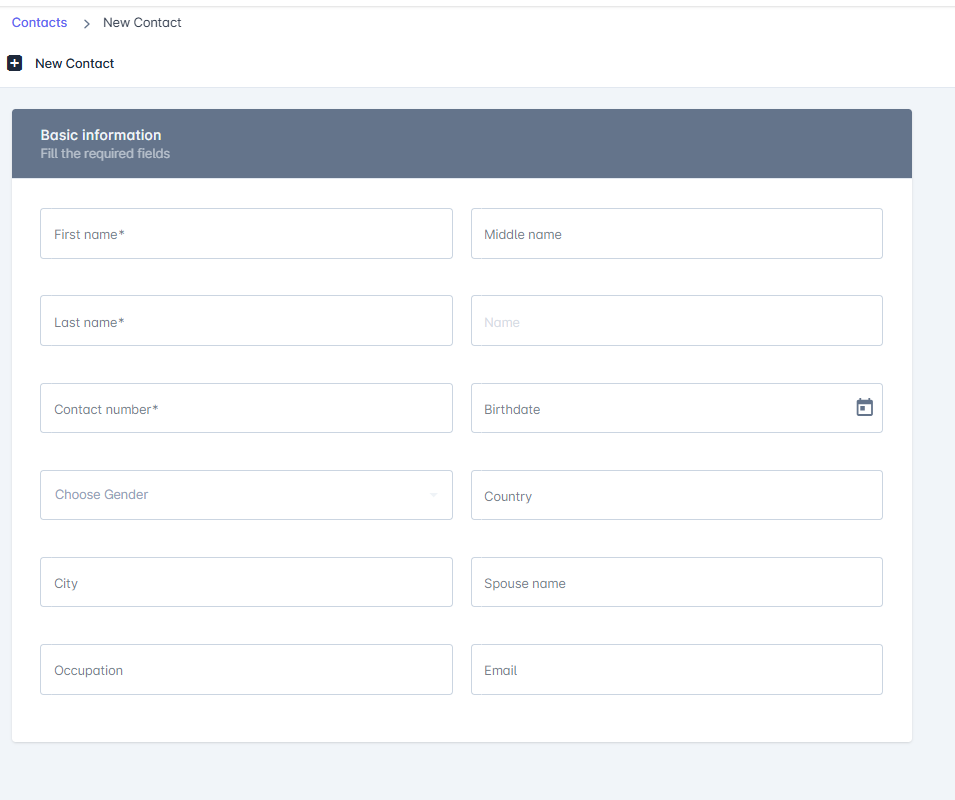
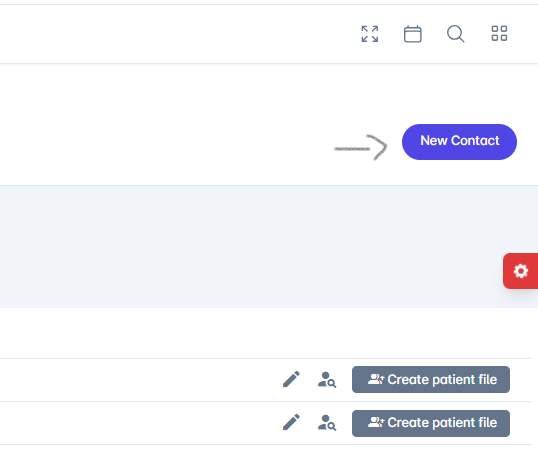 3. **Enter basic information: name, Gender, city, phone, email, etc.**
4. **Click Done.**
5. **Create patient file if it needed**
## **Fields Included**
* **First name, middle name ,last name**
* **Contact number**
* **Birthdate**
* **Gender**
* **Country**
* **City**
* **Spouse name**
* **Occupation**
* **Email**
3. **Enter basic information: name, Gender, city, phone, email, etc.**
4. **Click Done.**
5. **Create patient file if it needed**
## **Fields Included**
* **First name, middle name ,last name**
* **Contact number**
* **Birthdate**
* **Gender**
* **Country**
* **City**
* **Spouse name**
* **Occupation**
* **Email**
 ## **Editing or Deleting Contacts**
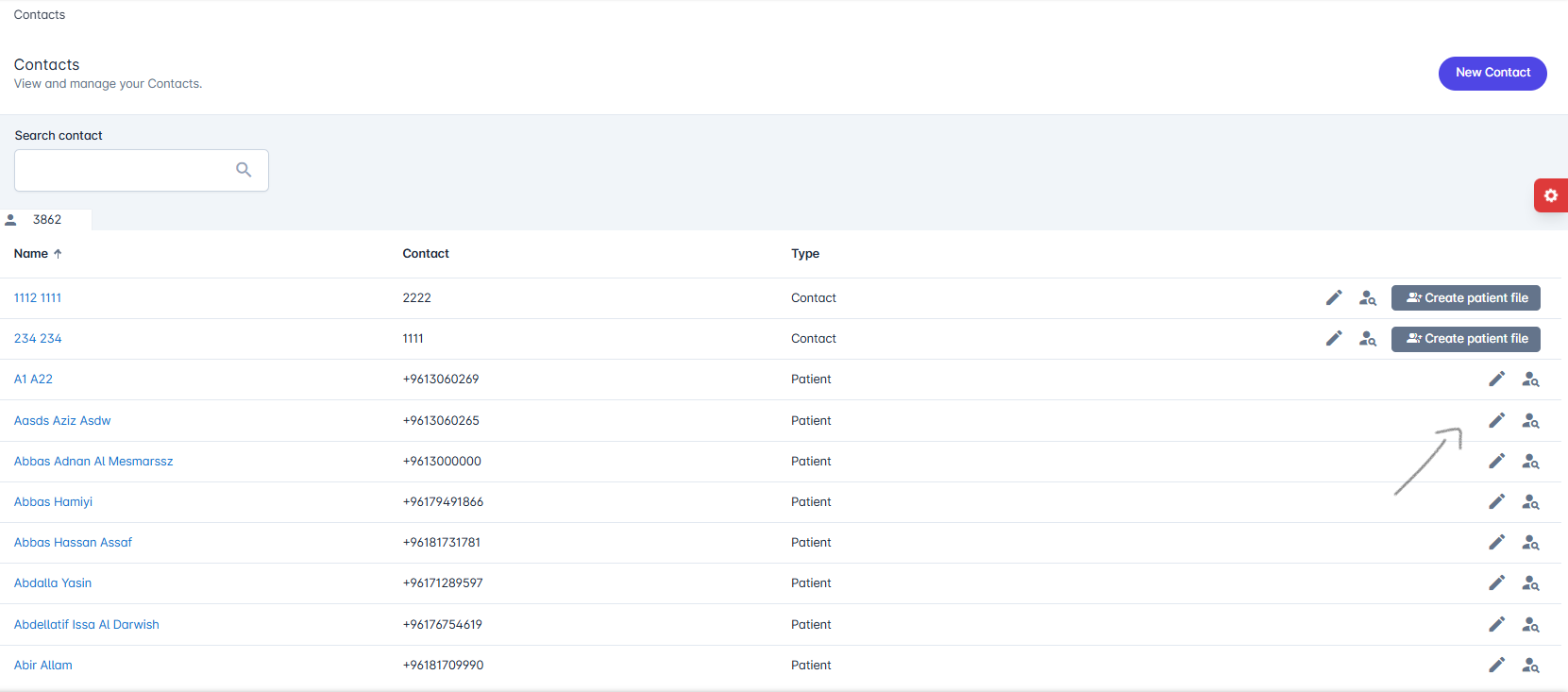
* **Press edit contat to the middle-right side of the screen to edit information then clickdone**
## **Editing or Deleting Contacts**
* **Press edit contat to the middle-right side of the screen to edit information then clickdone**
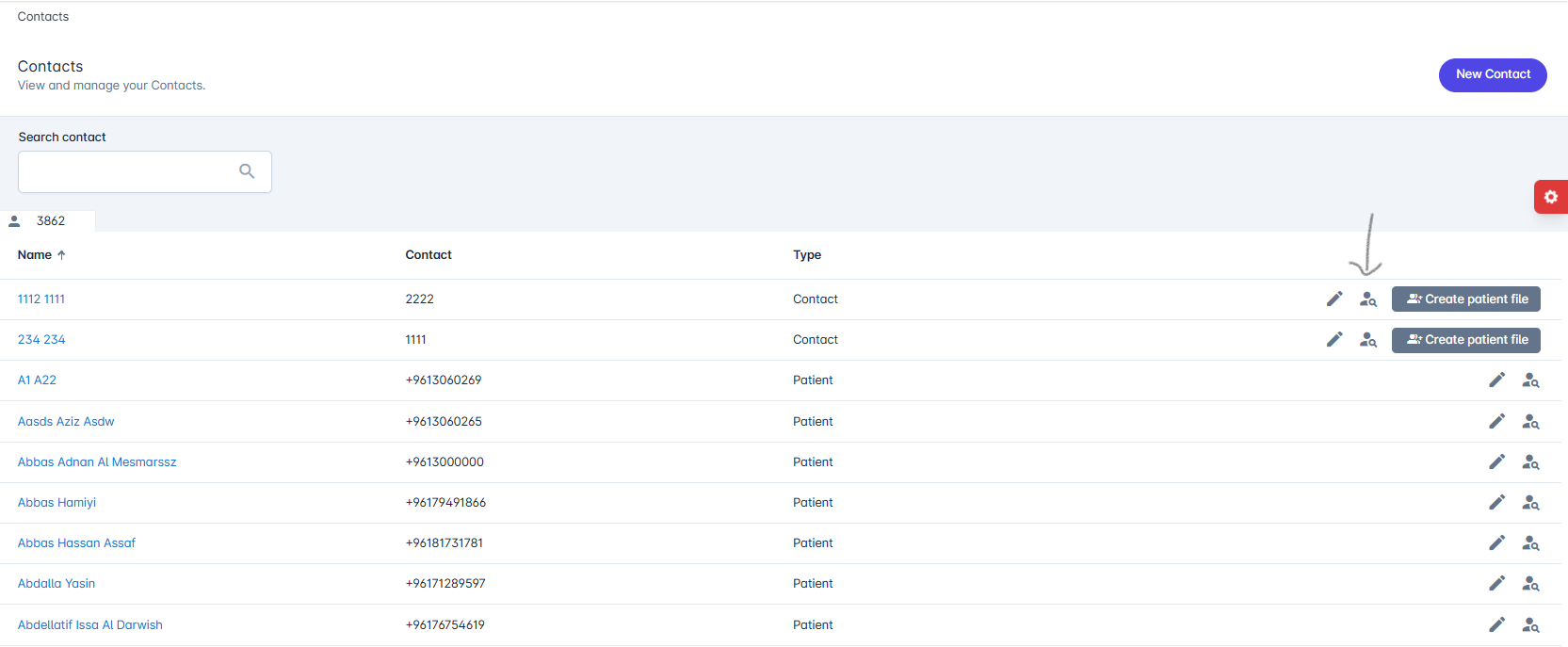
 * **Contact information are shown ,you can edit and create patient file**
 ## **\*\*Best Practices \*\***
* **Keep contact details updated.**
* **PressCreate patient file at the middle right side of the screen to quick create patient file.**
* **Always add an emergency contact for each patient.,**
/
## **\*\*Best Practices \*\***
* **Keep contact details updated.**
* **PressCreate patient file at the middle right side of the screen to quick create patient file.**
* **Always add an emergency contact for each patient.,**
/